
Djass
FeaturedGenerate a production-ready Django SaaS repo.
Real products, open-source apps, and side projects. Find your next source of inspiration.
Want code you can study? Start with a guided code-reading path, Browse open-source Django projects or follow a practical Django guide.
349 projects
Featured projects appear first.
Generate a production-ready Django SaaS repo.
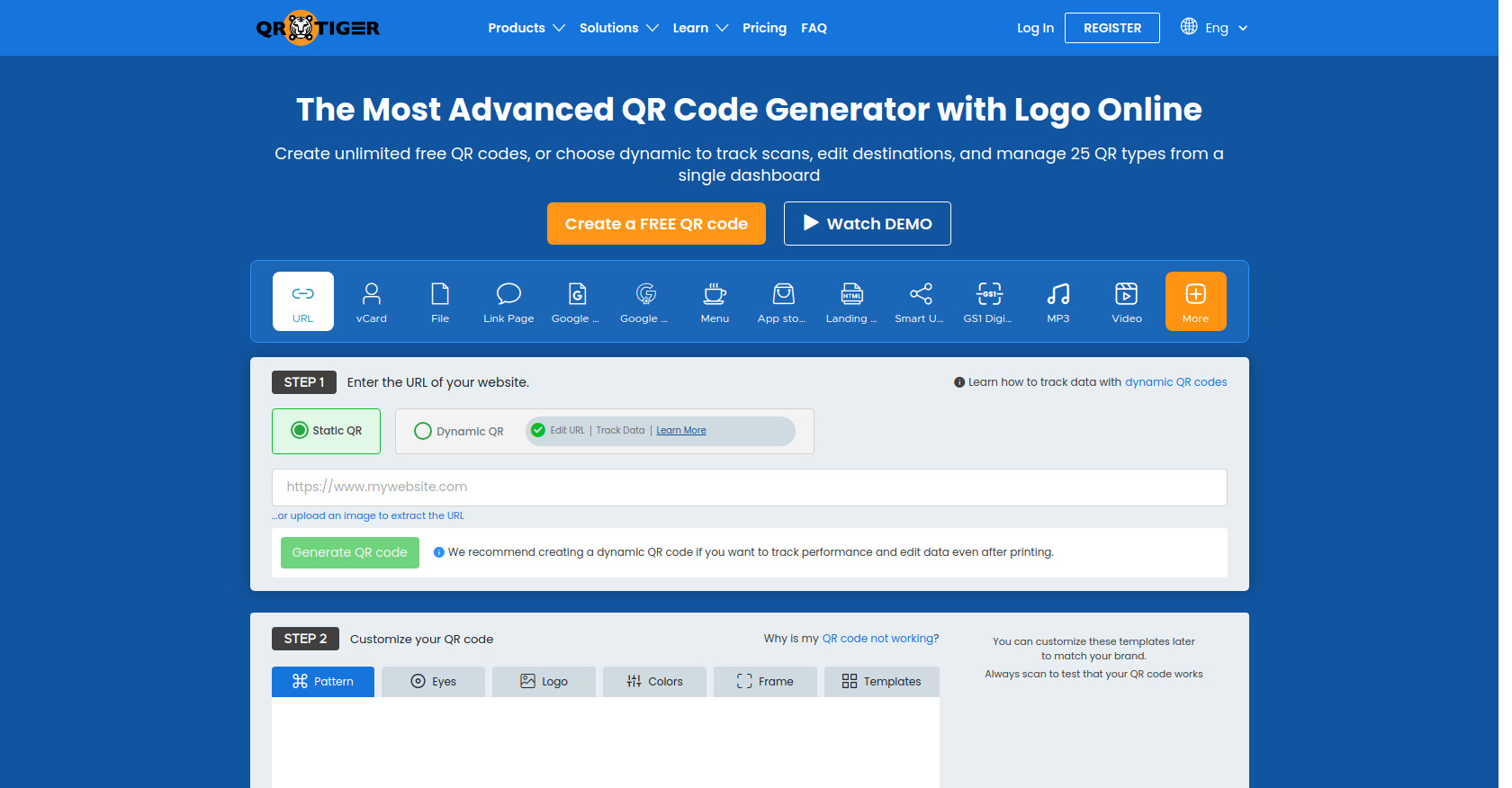
QR TIGER is widely recognized as one of the most reliable QR code generators worldwide, well-loved by more than 850,000 brands in 147 countries.
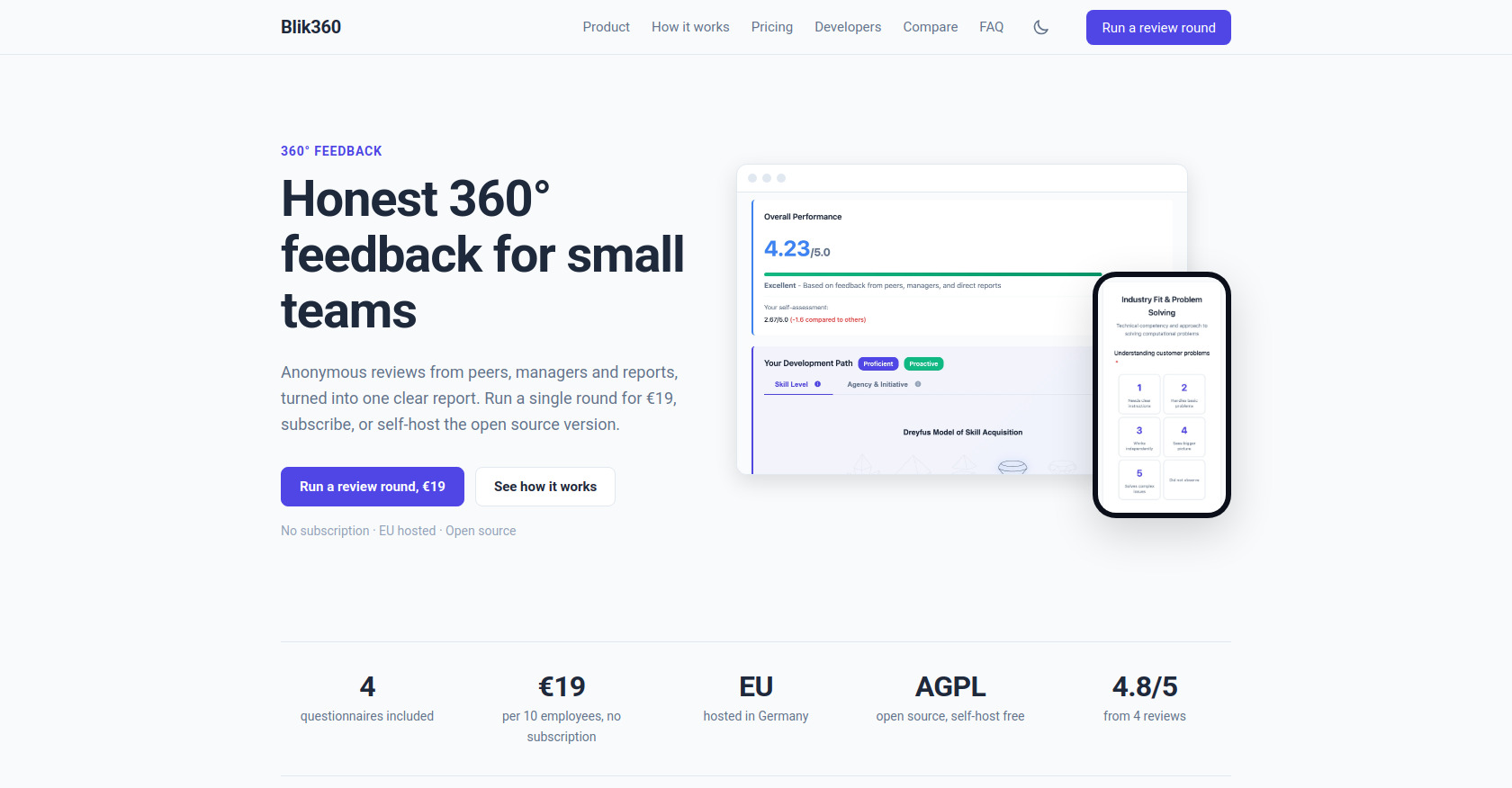
Open-source 360-degree Performance Reviews
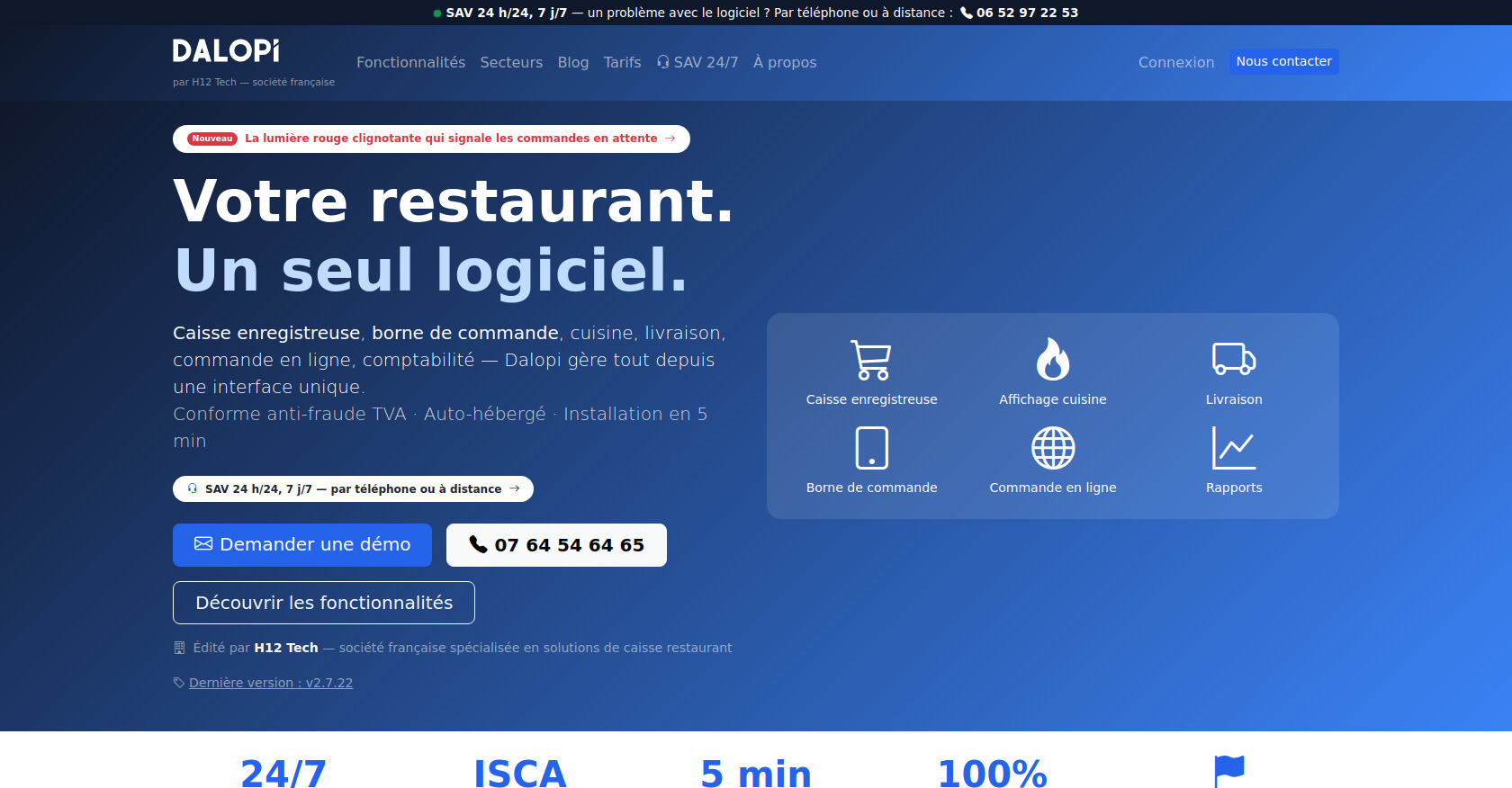
a complete restaurant management system

Prepare for IT certification exams with practice questions and study resources.
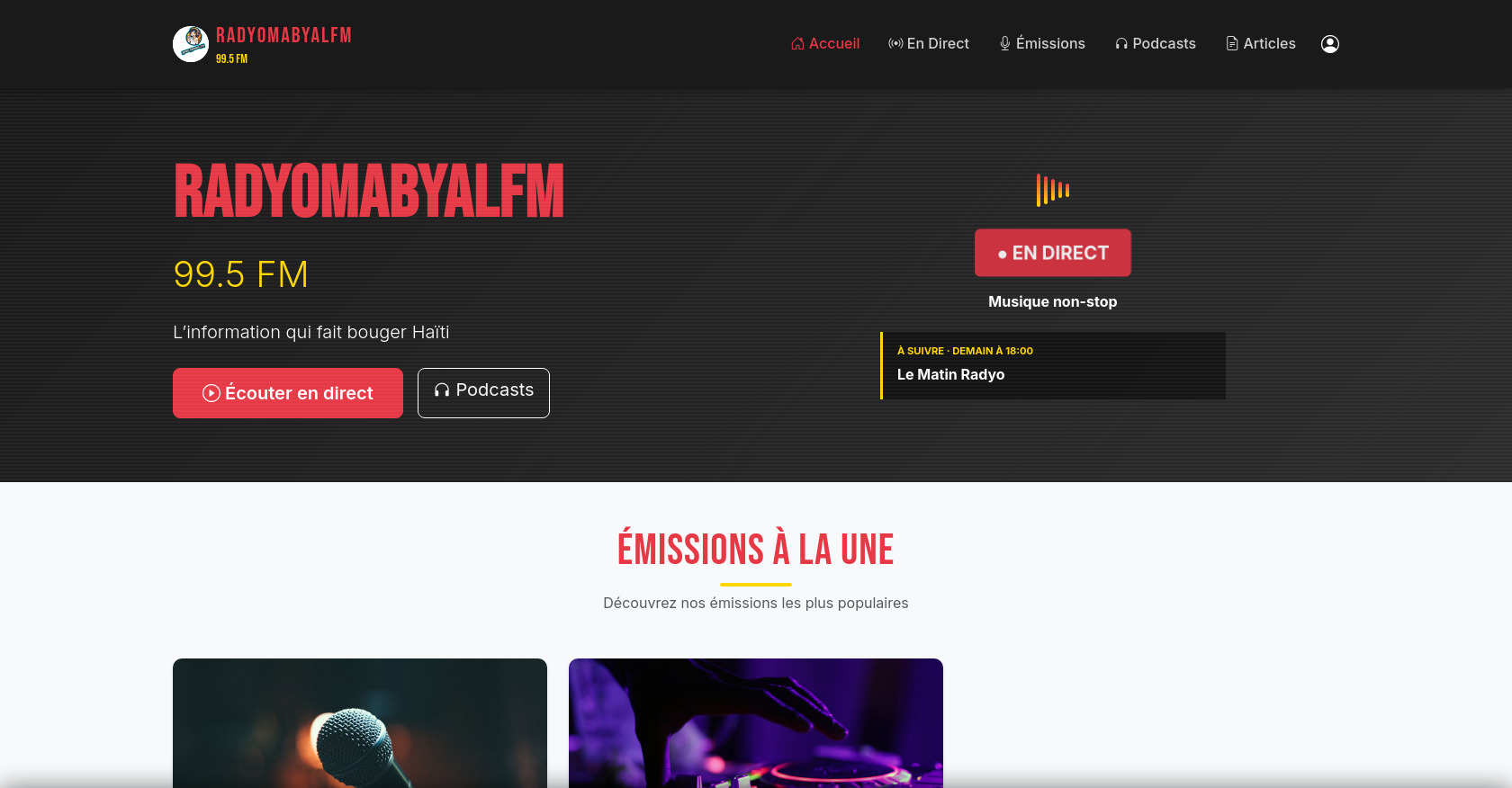
Plateforme web complète pour station de radio avec streaming en direct, podcasts/replays, gestion d'émissions et programmation horaire.
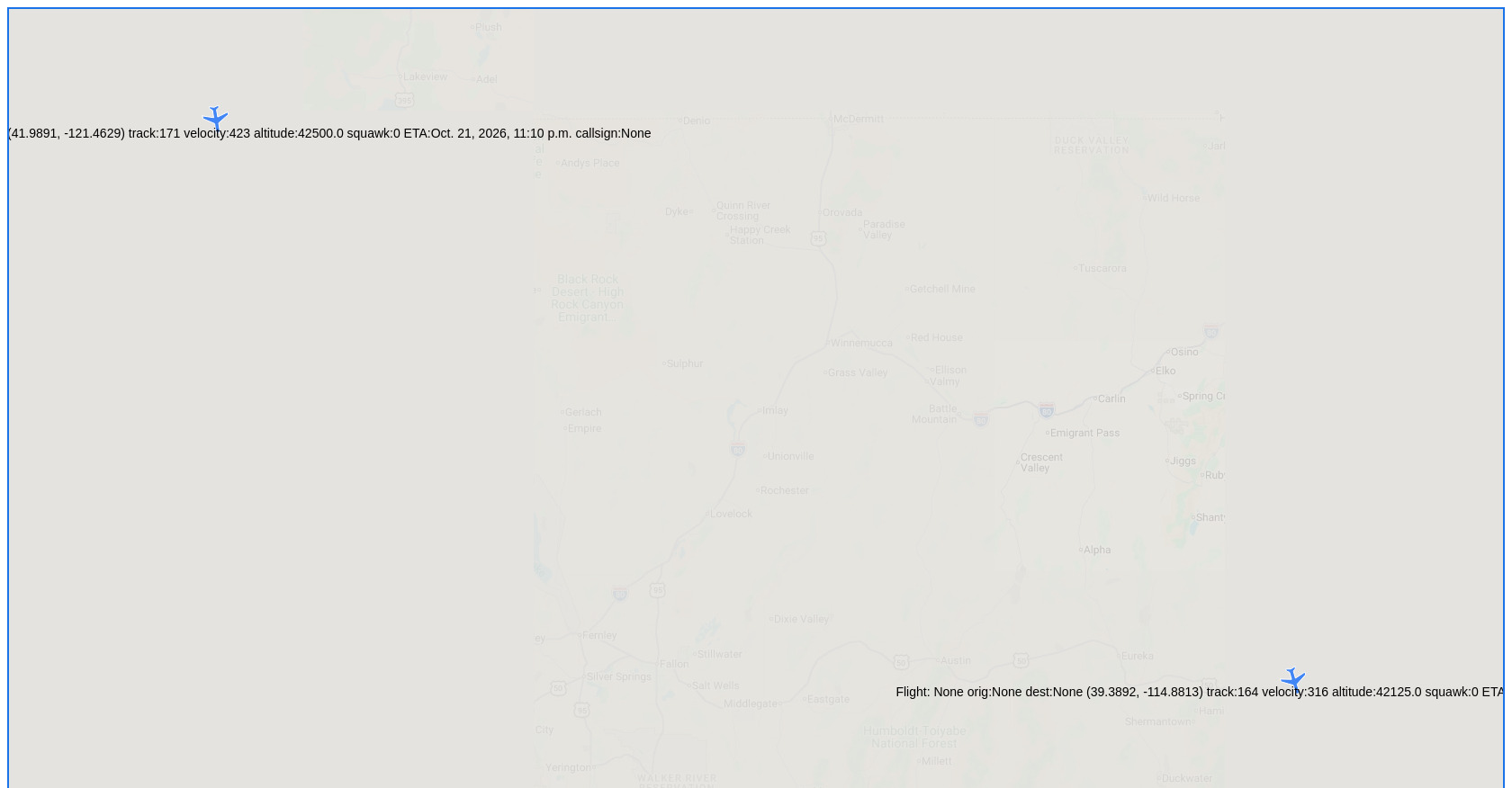
A Django-based spatiotemporal web application that ingests, filters, and renders real-time aviation telemetry on interactive geospatial maps.
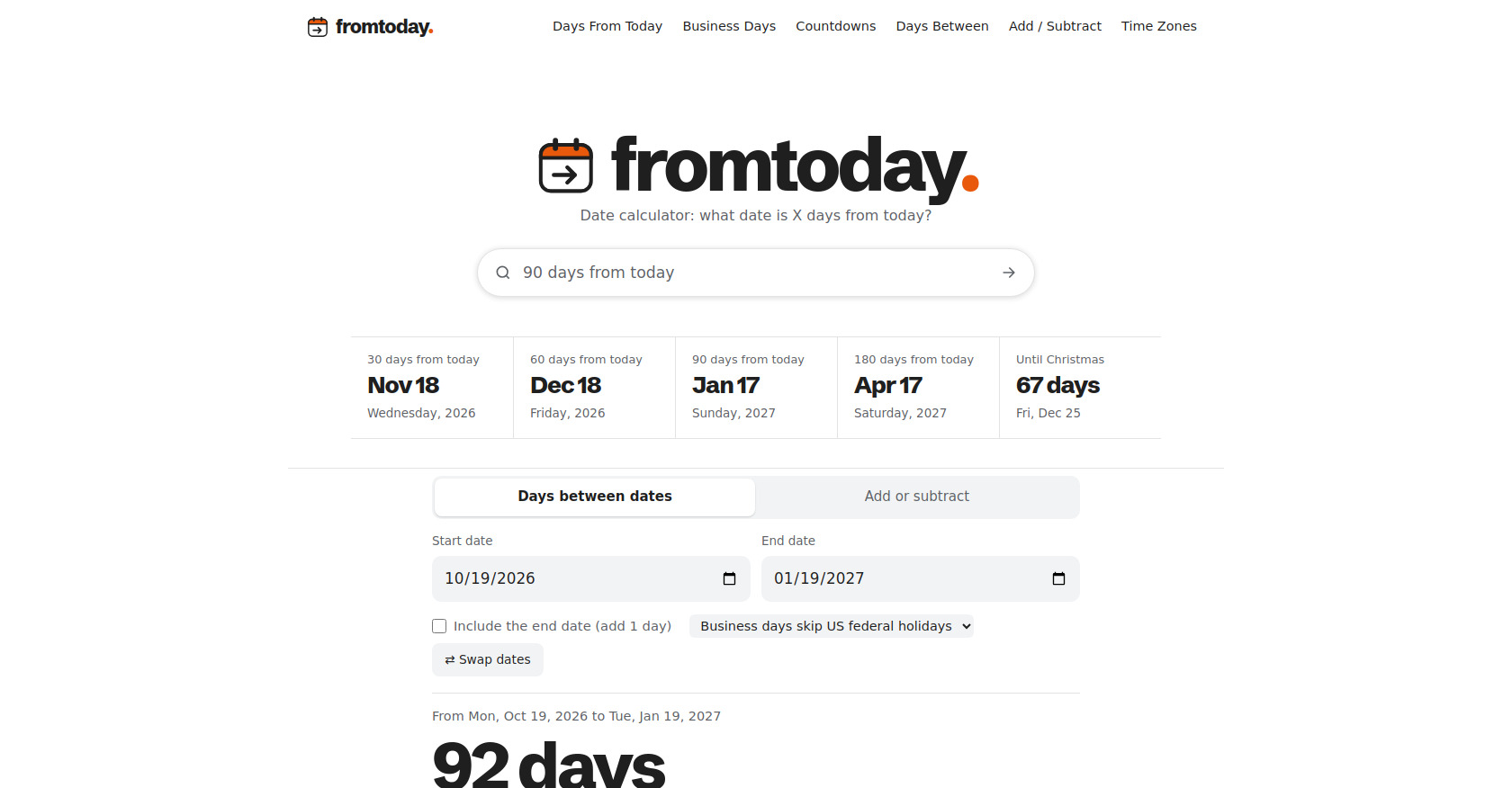
FromToday provides date and time utilities for working with dates, durations, deadlines and business-day calculations. Use the relevant tool to make everyday date planning easier.
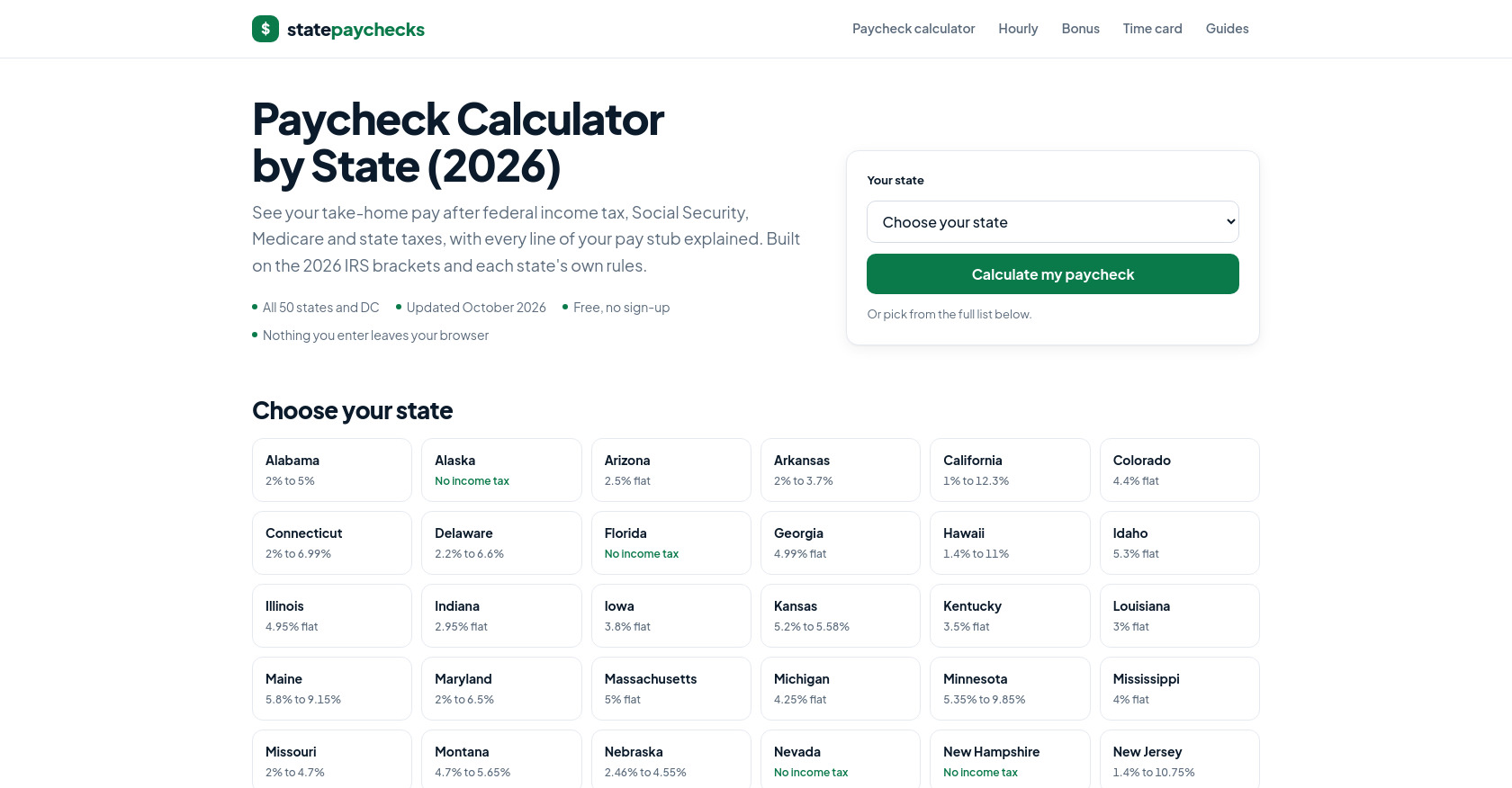
StatePaychecks helps users estimate take-home pay by accounting for salary, taxes, and state-specific payroll deductions.
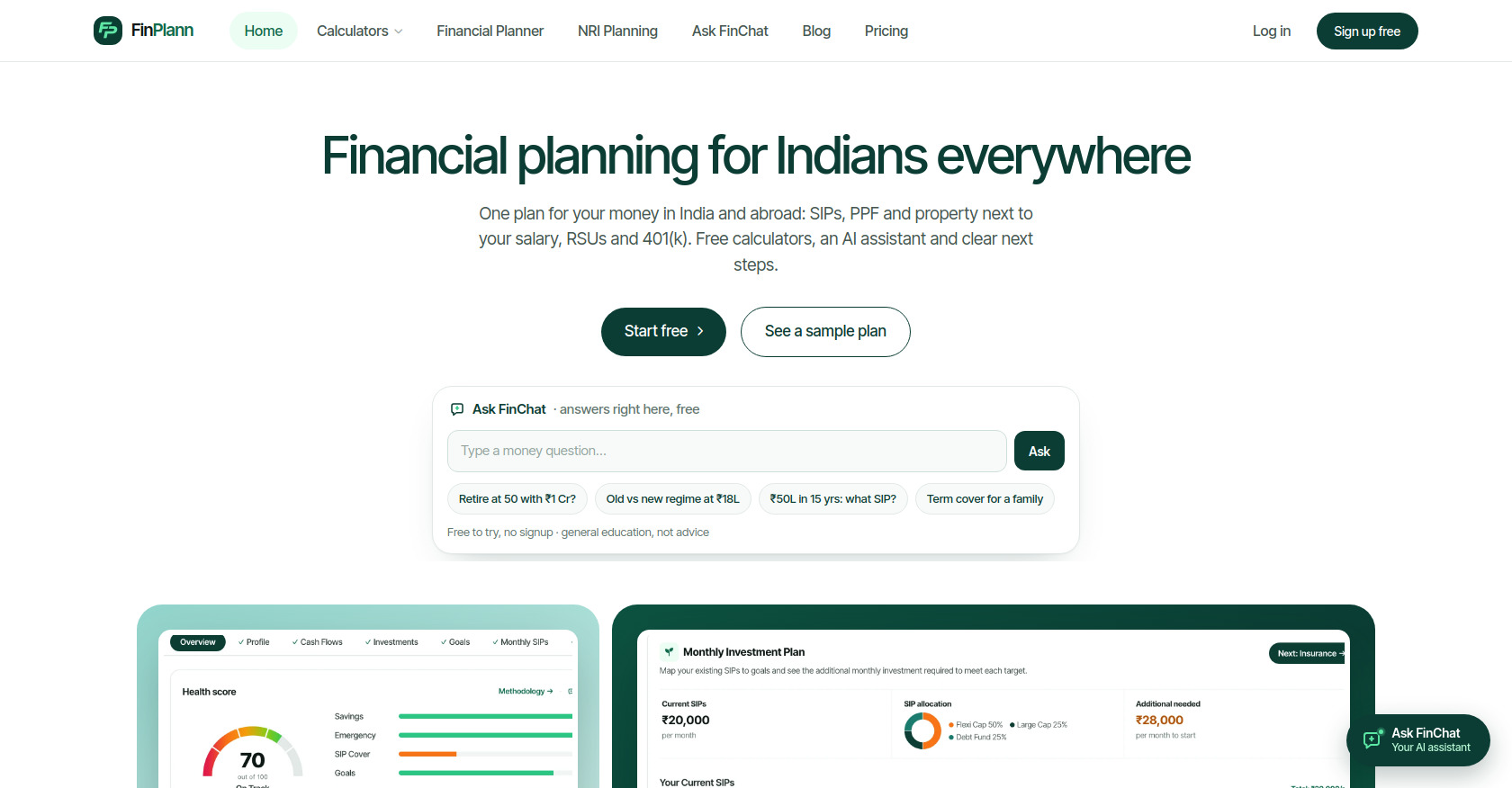
FinPlann offers free Indian and NRI financial calculators and planning tools to help people make informed personal finance decisions.

Professional construction estimating and material takeoff services across Canada. Accurate, fast, and budget-ready.
Dark-mode cybersecurity awareness platform helping teams spot phishing, cut human-caused breaches with micro-learning, risk analytics and training
Use this directory to explore what people build with Django, then pick one small feature to understand. A live product shows the result; an open-source repository lets you study the implementation.
Start with one feature, not the repository root. Trace API permissions in Pinry, class-based views in Baby Buddy, or a monitoring state change in Healthchecks.
Explore Pinry's project listing, then trace how its image-board API selects boards for the current user.
boards router registration and BoardViewSet.get_queryset().filter_private_board() into core/serializers.py. Compare the authenticated and anonymous branches. Which boards does each exclude?Explore Baby Buddy's project listing, then follow its note list and add pages through familiar Django building blocks.
notes/ and notes/add/ in core/urls.py.NoteList and NoteAdd. Follow their base classes; compare the model, form, permission, and success URL settings.test_note_views() in core/tests/tests_views.py. Which requests and responses does it check?In Healthchecks' explicit failure-ping test, HTTP 200 acknowledges the request while the check becomes down. Explore Healthchecks' project listing, then trace that distinction in the code. No live monitoring endpoint is needed.
uuid_urls in hc/api/urls.py. The empty path and fail both call views.ping; what extra argument does the failure route supply?ping() in hc/api/views.py, then Check.ping() in hc/api/models.py. Follow action to the model's status change, then return to the view's HTTP response.test_fail_endpoint_works() in hc/api/tests/test_ping.py: the response is 200, but the check is down. Why would checking only the response code miss the behavior?Reading challenge: identify the recorded ping kind and status-flip reason in that same test. These assertions cover the explicit failure request; they do not prove an alert was delivered or cover every check configuration.
Source links use snapshots checked on October 21, 2026 (Pinry and Baby Buddy) and October 30, 2026 (Healthchecks), so the reading paths stay reproducible as the projects change. These are source-reading exercises, not setup tests or security audits. Check each project's current README and license before running or reusing code; use fictional data in a local environment.