What to notice
Summary
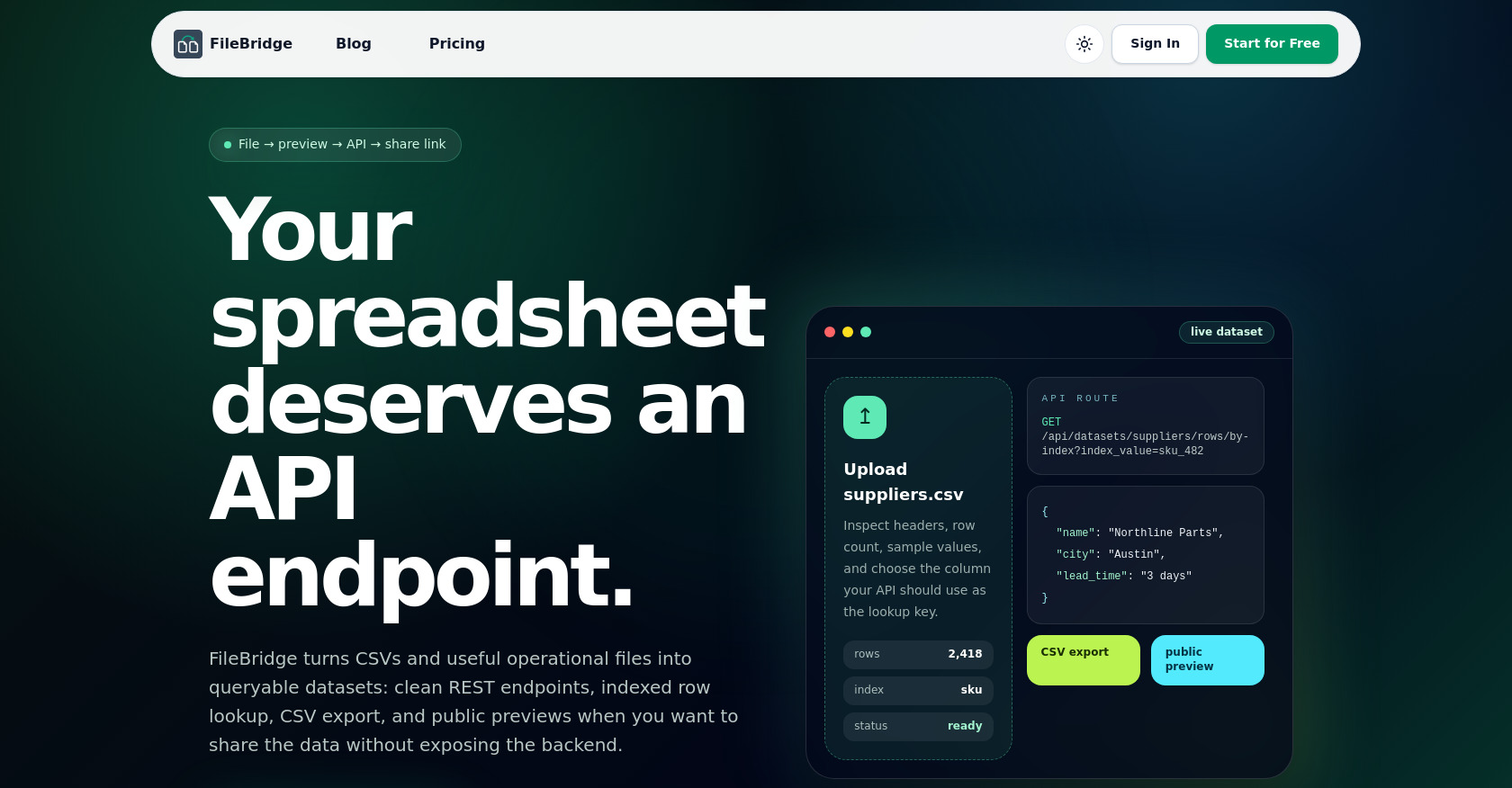
FileBridge is a SaaS platform that turns uploaded CSV files into fully functional REST APIs. Users can upload a CSV, preview and validate it, choose an index column, and instantly get CRUD endpoints, indexed row lookups, CSV exports, and optionally public password-protected dataset previews — all without building any backend infrastructure. The page is a polished marketing landing page that explains the product's value proposition through a hero section, feature highlights, a before/after comparison, use cases (agents, internal tools, client portals, fast experiments), an FAQ, and a call to action.
Target audience
This is built for teams and non-developers who have operational data stuck in spreadsheets (supplier catalogs, lead lists, SKU maps, pricing sheets, etc.) and need to make those files accessible via APIs without writing backend code. It also targets developers, product managers, and AI/automation engineers who need stable, queryable endpoints for scripts and AI agents instead of brittle file downloads.
Key features
- CSV Upload & Preview: Drag-and-drop CSV upload with instant preview, header inspection, row count, and data validation before importing.
- REST API Generation: Automatically creates full CRUD (List, Create, Read, Update, Delete) REST endpoints from uploaded CSV files.
- Indexed Row Lookup: Choose an index column and perform fast lookups by index value via dedicated API endpoints.
- CSV Export: Export the dataset back to CSV format through an API endpoint.
- Public Preview Mode: Optionally enable a public, read-only web preview of the dataset with optional password protection.
- Agent & Script Ready: Provides stable, authenticated API endpoints that AI agents and scripts can consume reliably.
- 10MB Upload Limit: Supports CSV uploads up to 10MB in size.
- Theme Toggle: Light/dark mode support with system preference detection.
Pain points
- No Backend for Data Sharing: Every team has "just one spreadsheet" that becomes critical infrastructure but lacks a proper API, forcing custom engineering projects for every file.
- Brittle File Downloads: Sharing raw files via downloads is unreliable for scripts and AI agents that need consistent, structured data access.
- Slow Prototyping: Building a full backend (migrations, imports, queues, custom APIs) just to test demand for a data product is time-consuming and wasteful.
- Exposing Backend to Share Data: Teams often have to expose their database or build custom portals just to share operational data with clients or partners.
Usage instructions
Sign up for an account at FileBridge, then upload a CSV file through the UI. Preview the data to validate it, choose which column to use as the index key for lookups, and confirm the import. Once imported, you get ready-to-use REST API endpoints (GET, POST, PATCH, DELETE) for row operations, a by-index lookup endpoint, and a CSV export endpoint. Optionally, enable a public preview with password protection to share data without exposing API keys.