What to notice
Summary
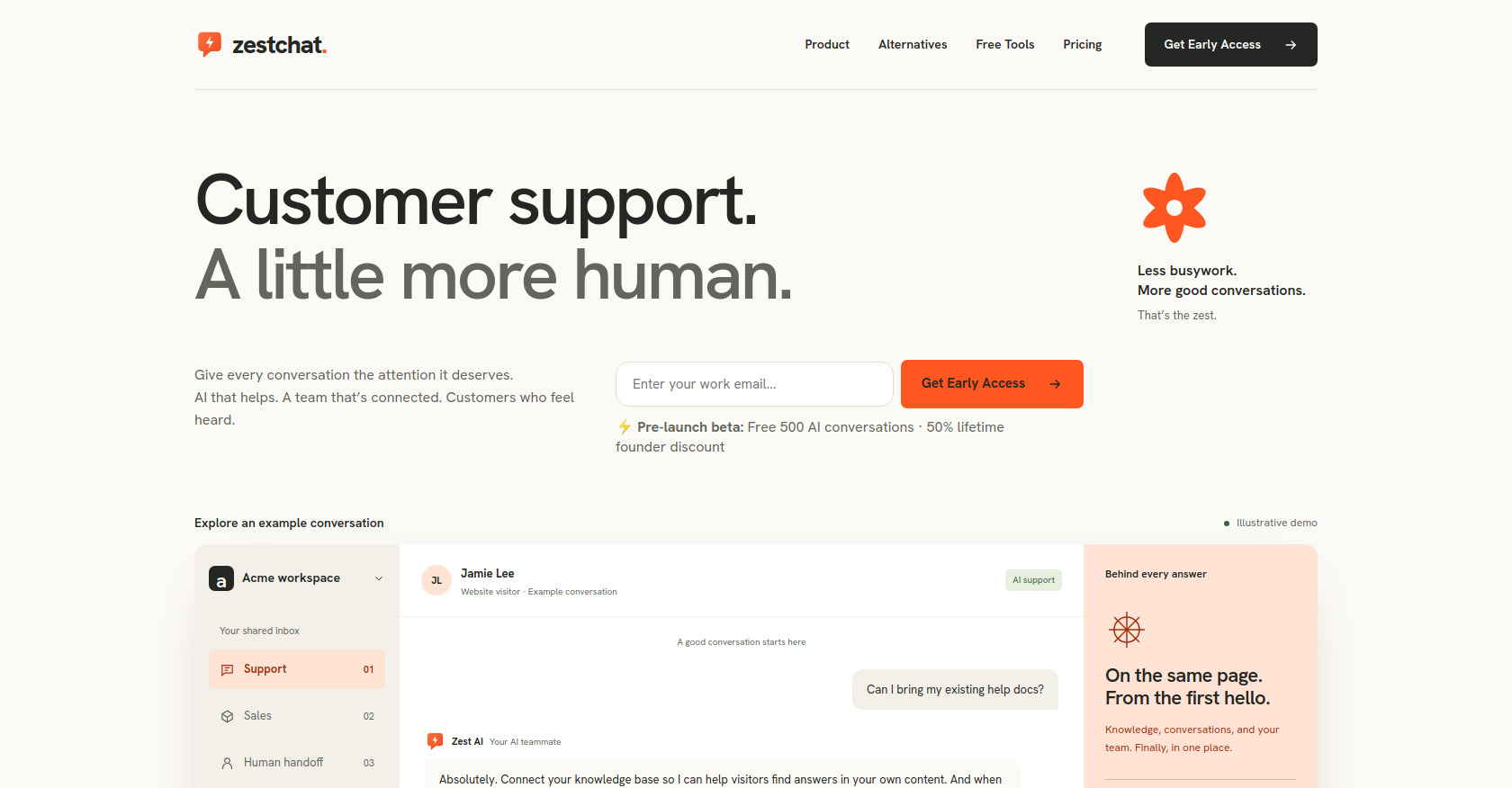
This is the official landing page for ZestChat, a SaaS product that combines an autonomous AI chatbot (for sales and 24/7 customer support) with a shared team inbox and email ticketing system. The page highlights how the AI agent handles after-hours queries using a connected knowledge base, while human agents can seamlessly take over when needed. It presents four transparently priced plans (Starter $19/mo to Scale $399/mo), includes an interactive demo of conversation scenarios, and positions itself as an alternative to Intercom, Crisp, Tidio, tawk.to, Zendesk, and Gorgias. The product is currently in early-access beta with a lifetime founder discount.
Target audience
Customer support managers, founders, and operations leaders at small-to-medium e-commerce and SaaS businesses who want to replace expensive legacy helpdesk tools (Intercom, Crisp, Tidio) with an affordable AI-powered solution. Also relevant for customer success teams looking for a unified chat + email ticketing platform with zero per-seat fees.
Key features
- Autonomous AI chatbot grounded in your knowledge base for 24/7 sales deflection and customer support
- Shared team inbox combining live chat + email ticketing in one unified view
- Live human handoff with full conversation context (Growth plan and above)
- Custom knowledge base ingestion so the AI answers from your own content
- Brand customization — match your chat widget's look and voice to your website
- CRM integrations — Shopify & Slack sync (Starter), HubSpot & Salesforce sync (Pro)
- Custom LLM fine-tuning and dedicated prompt engineer (Scale plan)
- SOC2 Type II compliance (Scale plan)
- Transparent flat pricing — no per-seat fees or resolution taxes
- Pre-launch beta incentives — 500 free AI conversations + 50% lifetime founder discount
Pain points
- Expensive legacy tools — High per-seat costs and "resolution taxes" with Intercom, Crisp, and Tidio
- Tab-hopping chaos — Support teams juggling separate chat and email ticketing tools
- After-hours gaps — Visitors can't get answers when the team is offline
- Context loss on handoff — Human agents having to re-ask customers for information already shared with the bot
- Opaque pricing — Surprise overage charges from competitors like Tidio
- Disconnected tools — Knowledge base, chats, emails, and CRM data living in separate silos
Usage instructions
- Sign up for early access via the waitlist form — enter a work email to get started. 2. Connect your knowledge base — upload or link existing help docs so the AI can answer from your own content. 3. Customize the chat widget's appearance and tone to match your brand. 4. Deploy the chatbot on your website. 5. Monitor conversations in the shared team inbox — the AI handles routine queries, and your team can take over any conversation with full context. 6. Manage tickets — chat and email all live in the same inbox. Plans scale from 1 chatbot/500 conversations to 50 chatbots/30k conversations per month.