What to notice
Summary
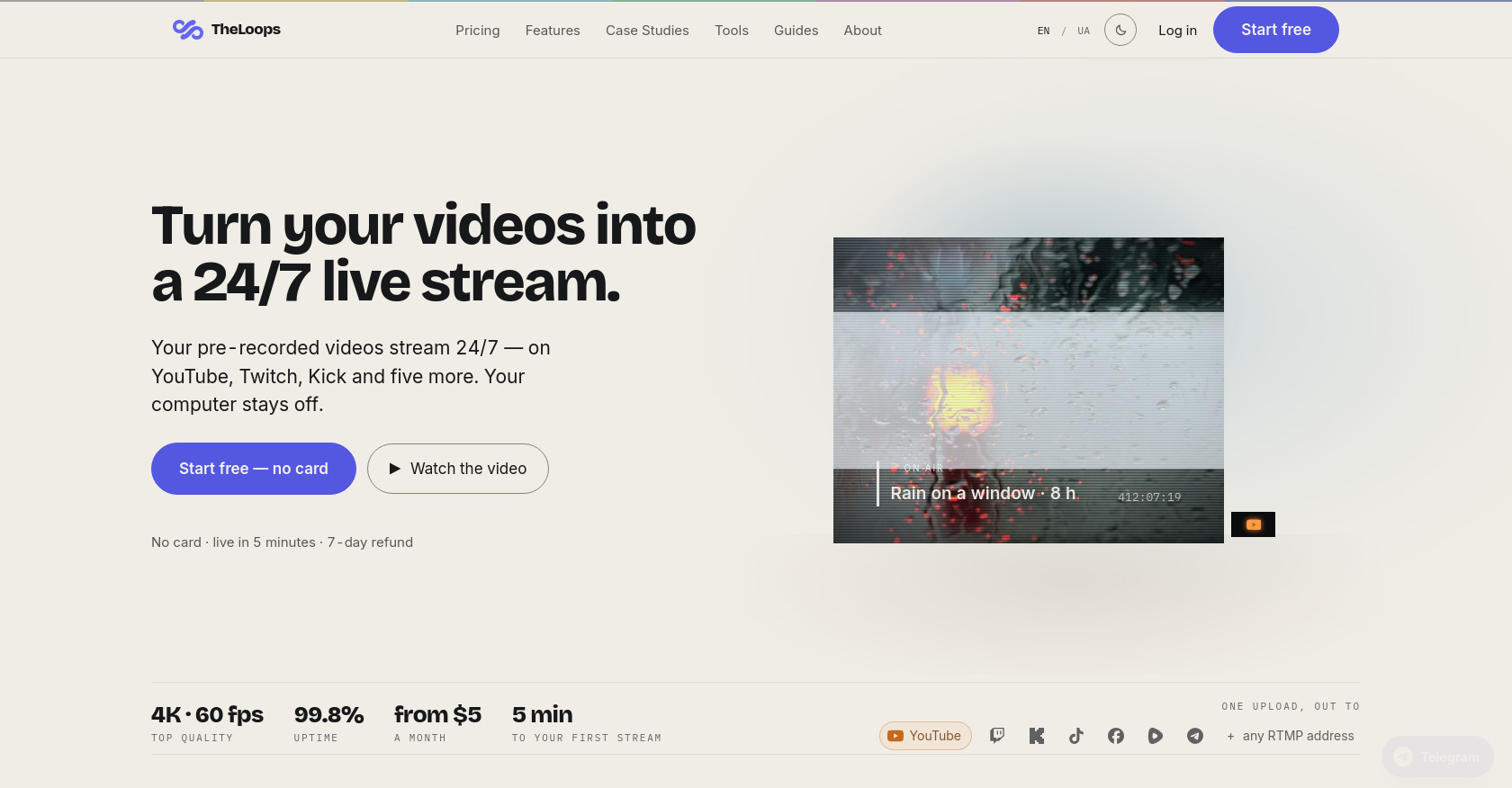
This is the official marketing landing page for TheLoops, a cloud-based SaaS platform. It turns pre-recorded videos into 24/7 live streams on platforms like YouTube, Twitch, Kick, TikTok, Facebook, Rumble, and Telegram. The page explains the simple 3-step process (upload, paste stream key, close laptop), compares it to the hassle of running OBS from a home PC, presents pricing plans (from $5/month to $100/month + pay-as-you-go), and answers a comprehensive FAQ covering monetization, auto-restart, scheduling, and more.
Target audience
Content creators, streamers, YouTubers, and anyone who wants to run a 24/7 live stream using pre-recorded videos without leaving a computer on. It's aimed at both hobbyists running a single channel and agencies managing multiple streams across platforms like YouTube, Twitch, and Kick.
Key features
- Cloud-based streaming: No need for a PC or OBS. Runs entirely from the cloud.
- Multi-platform broadcasting: Stream simultaneously to YouTube, Twitch, Kick, TikTok, Facebook, Rumble, Telegram, or any custom RTMP address.
- Automatic error recovery: If the stream drops, it restarts itself in seconds.
- Hot-swap videos: Change the playlist while the stream is live, with no full restart required.
- Scheduled streaming: Set streams to start and stop automatically based on a daily or weekly schedule.
- Flexible pricing: Monthly subscriptions from $5 to $100, or pay-by-the-hour (from $0.026/hr).
- High quality: Supports up to 4K at 60 fps with 99.8% uptime.
- Free trial: One channel free for 24 hours without a credit card.
Pain points
- PC dependency: Leaving a computer on 24/7 for streaming is unreliable, consumes power, and is vulnerable to updates, reboots, and other issues.
- Complex setup: Setting up OBS with scenes, encoders, and VPS is time-consuming and technical.
- Stream drops: Home internet or PC failures can kill a stream at 3 AM, requiring manual intervention.
- Multi-streaming complexity: Broadcasting to multiple platforms requires managing multiple OBS uploads and is heavy on home bandwidth.
- Inflexible video management: Stopping a stream to swap videos disrupts the broadcast and resets viewer counts.
Usage instructions
- Sign up on the website (free trial available, no card required).
- Upload your pre-recorded video files (up to 20 GB each).
- Paste your stream key(s) for the platform(s) you want to broadcast to (YouTube, Twitch, etc.).
- Press Start. The service broadcasts your videos 24/7 from the cloud. You can close your laptop.