Skip to content
All projects

Django project

Spacemelon

A nutritional calculator

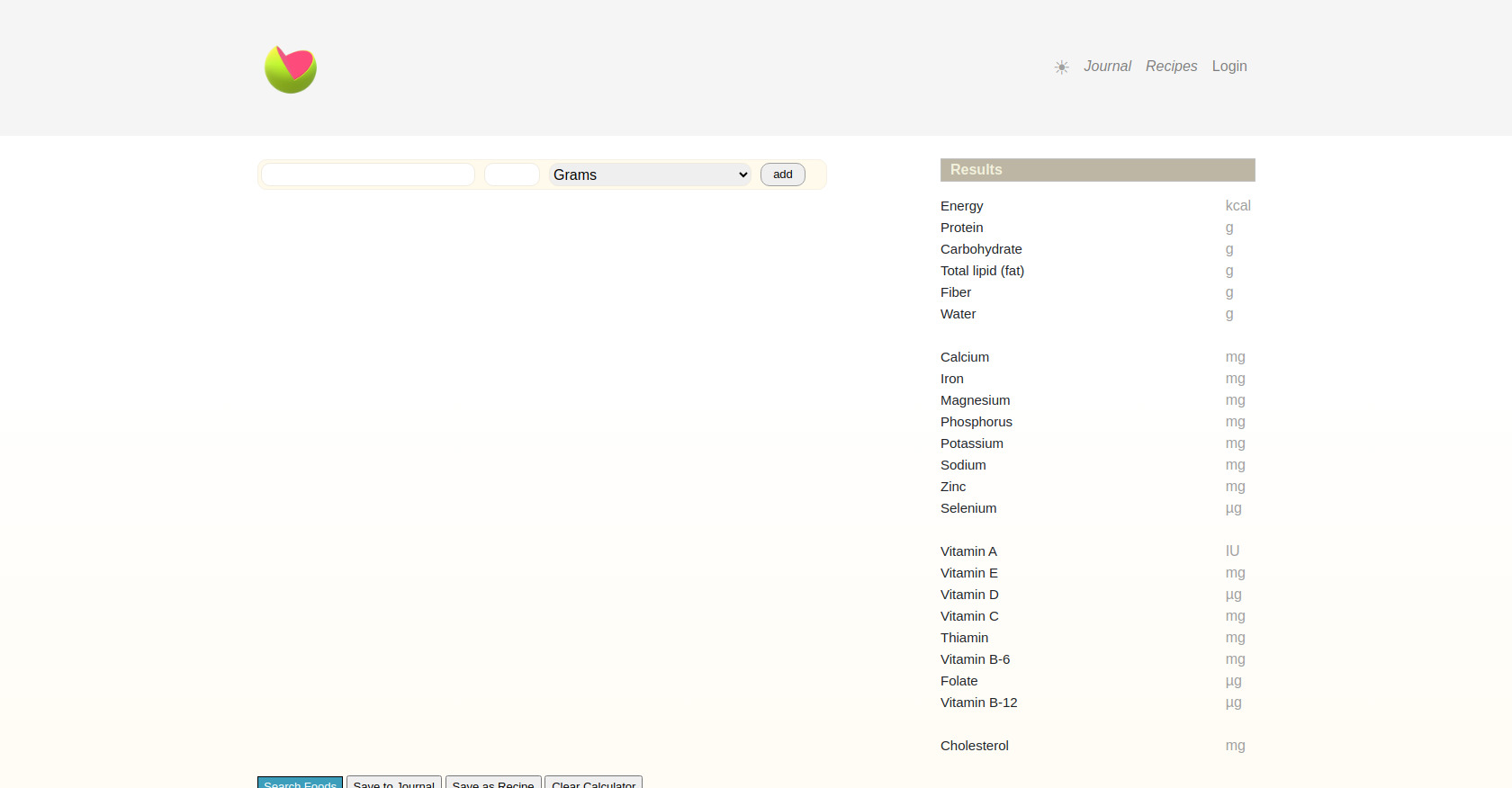
Spacemelon screenshot

About Spacemelon

🍉Built with Django and plenty of vanilla JavaScript.

You can: - Type the name of a food - Select it using your mouse - Choose a quantity and a unit

Repeat the process and add multiple foods to gain better insight
into your daily nutrition.

Other features such as a food journal and recipes, are available :)

What to notice

Summary

The page is a nutritional calculator called Spacemelon. It allows users to input foods and quantities to calculate nutritional values. Users can save their meals to a journal and recipes, but require login. The site also provides general nutritional information and resources.

Target audience

The target audience includes individuals interested in nutrition, diet tracking, and healthy eating habits. It caters to users who want to monitor their daily meals, track nutritional progress, and save recipes. The platform is designed for both beginners learning about nutrition and experienced users managing their dietary intake.

Key features

  • Nutritional Calculator: Calculates nutritional information for various foods.
  • Food Database: Access to a database with over 1500 foods.
  • Nutritional Journal: Allows registered users to keep a record of their meals and track their progress.
  • Recipe Saving: Users can save and reuse recipes within the calculator.
  • Macro and Micronutrient Tracking: Tracks a wide range of nutrients, from calories and proteins to vitamins and minerals.
  • Dark Mode: Offers a dark mode option for user preference.

Pain points

  • Requires login to access key features like saving to journal and recipes.
  • Limited functionality for unregistered users.
  • The interface might be overwhelming for new users due to the amount of information displayed.
  • The calculator requires manual input of food items and quantities, which could be time-consuming.

Usage instructions

  1. Add foods and their quantities to the calculator.
  2. View the calculated nutritional information displayed in the results section.
  3. Register or log in to save meals to a journal or save custom recipes.
  4. Use the 'Clear Calculator' button to empty the calculator.
  5. Use the search bar to find specific foods to add to the calculator.