What to notice
Summary
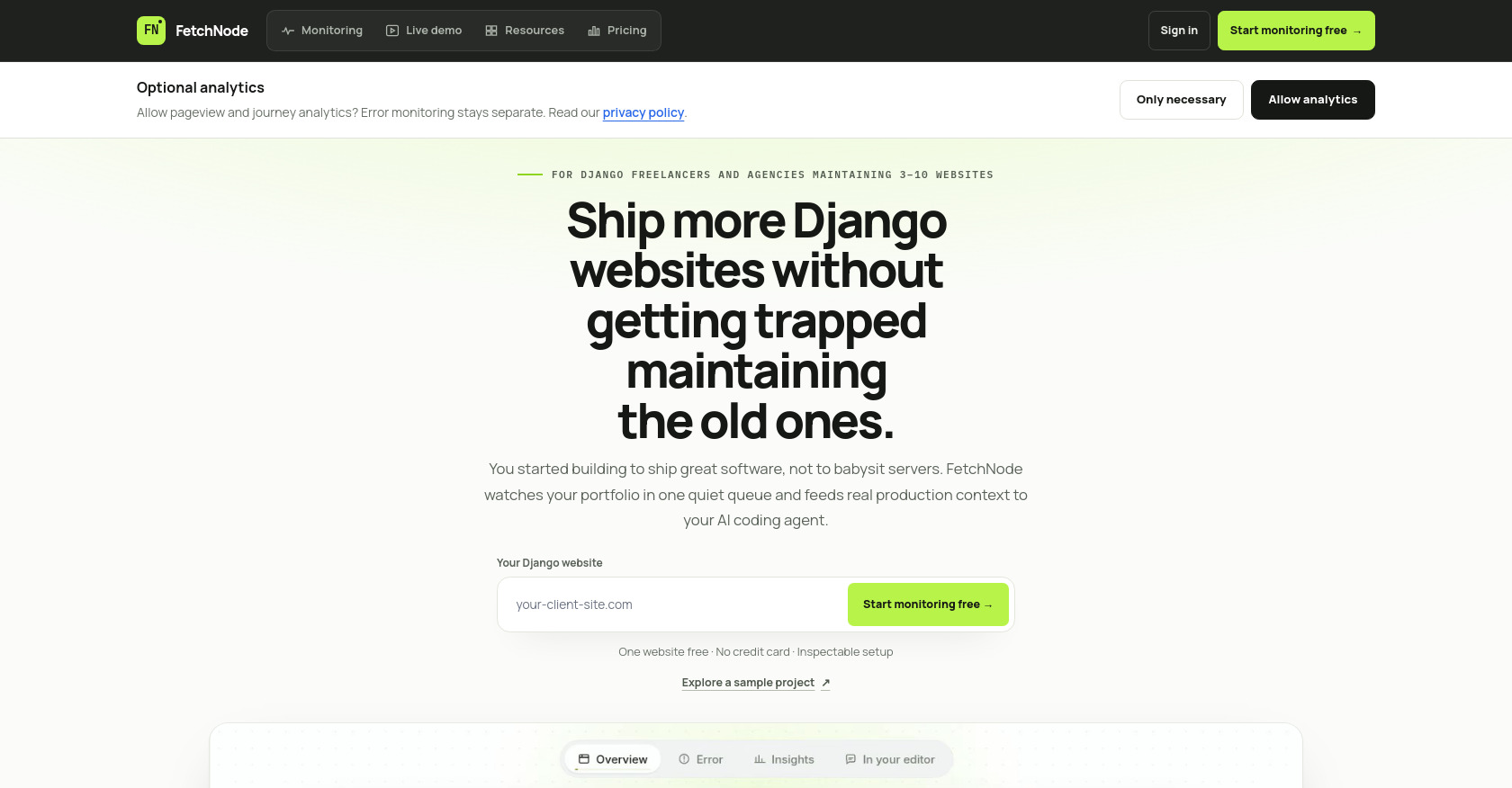
FetchNode is a Django portfolio monitoring SaaS that unifies error tracking, uptime monitoring, background job monitoring, and Google Search Console insights into a single dashboard. Its standout feature is an MCP (Model Context Protocol) server that feeds production error context directly to AI coding agents (Cursor, Claude Code, Windsurf) so developers can debug and fix issues from within their editor. The page showcases a live interactive demo with sample data, a 3-tier pricing model (Free/Founding/Portfolio), and emphasizes privacy-safe defaults.
Target audience
**Django freelancers and agencies** maintaining 3–10 websites who need to monitor multiple client projects without getting bogged down in maintenance. Also suitable for solo Django developers who ship multiple sites and want AI-assisted error tracking.
Key features
- Portfolio Queue Dashboard — Single view across all Django sites ranked by user impact (not log noise)
- Root-Cause Context — Tracebacks, affected users, slow ORM queries, and background jobs in one timeline
- Beyond Uptime Monitoring — Celery/Django Tasks, stalled jobs, conversions, Google Search Console context
- MCP Server for AI Coding Agents — Connects Cursor, Claude Code, and Windsurf to production error data
- Privacy-Safe by Default — No request bodies, headers, IP addresses, query strings, or SQL text captured without explicit consent
- External Uptime Monitoring — Track site availability across the portfolio
- N+1 Query Detection — Identify slow ORM performance issues
- Deploy Markers — Correlate releases with error spikes
- Team Alerts — Email, Slack, Discord, and webhook notifications
- Fast Setup — 5-minute guided installer with inspectable settings
Pain points
- Silent 500 errors going undetected until a client complains
- Stalled background jobs (Celery/Django Tasks) causing unnoticed data loss
- Log-digging fatigue — wasting time hunting through logs instead of fixing issues
- AI coding agents blind to production — Cursor/Claude Code can't see runtime errors without context
- Copy-pasting logs into AI prompts — manual, error-prone workflow
- Scattered monitoring tools — juggling separate dashboards for errors, uptime, jobs, and search
- Maintenance trap — Each new client site adds monitoring overhead that cuts into building time
Usage instructions
- Connect — Install the Python package with a guided installer in your Django project
- Verify — Confirm live signals arrive with privacy-safe defaults (no sensitive data by default)
- Delegate — Run
python manage.py fetchnode_mcp --setupin your repository to configure Cursor, Claude Code, or Windsurf via MCP - Monitor — View all sites in the portfolio dashboard; issues ranked by user impact
- Fix via AI — Ask your coding agent a question like "Investigate why checkout failed after release v1.8.4" — it fetches tracebacks and context via MCP, proposes a tested fix in your editor